Can't type characters like apostrophes, quotation marks, or inverted commas on DaDesktop
It's a rare but frustrating glitch that sometimes shows up—depending on your physical keyboard, language layout, and internationalisation settings.
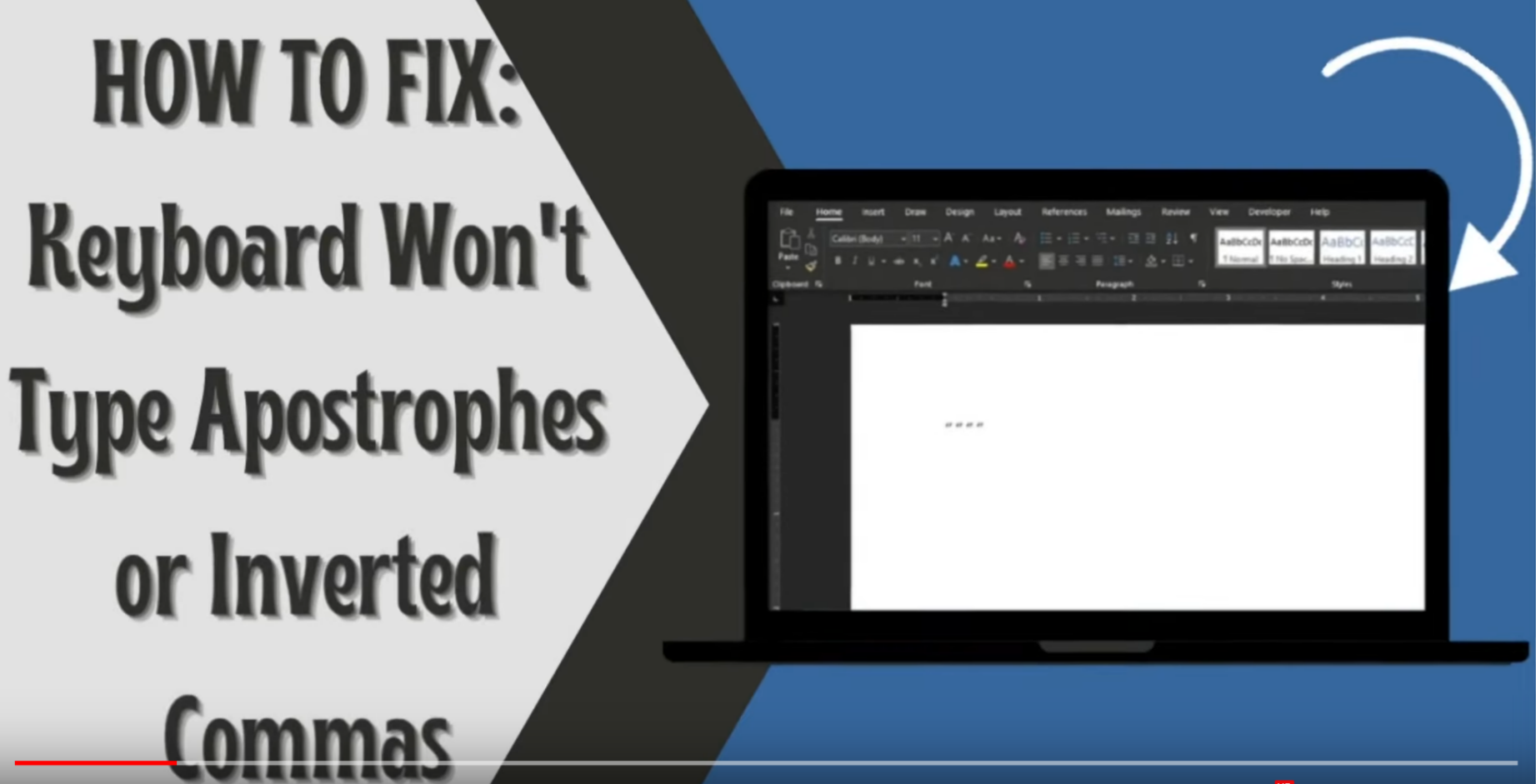
This is a Windows only Issue
Here’s the quick way to sort it out:
- Open the Windows search bar and enter 'Settings'
- Select 'Time & Language'
- Choose the language option from the left-hand menu
- Under 'Preferred Languages', pick your preferred language and click 'Options'.
- Now, hit 'Add a keyboard' and pick the layout that matches your keyboard—for example, the US layout.
- Remove any outdated layouts by clicking on them and selecting 'Remove'
- Give it a try: type single quotes ('), double quotes ("), and backticks (`) to confirm they work.
This video also walks through the fix.