Creating from an OS Template
To create a desktop from an OS template:
- Go to the course's Desktops menu
- Click on "Create From OS Template"
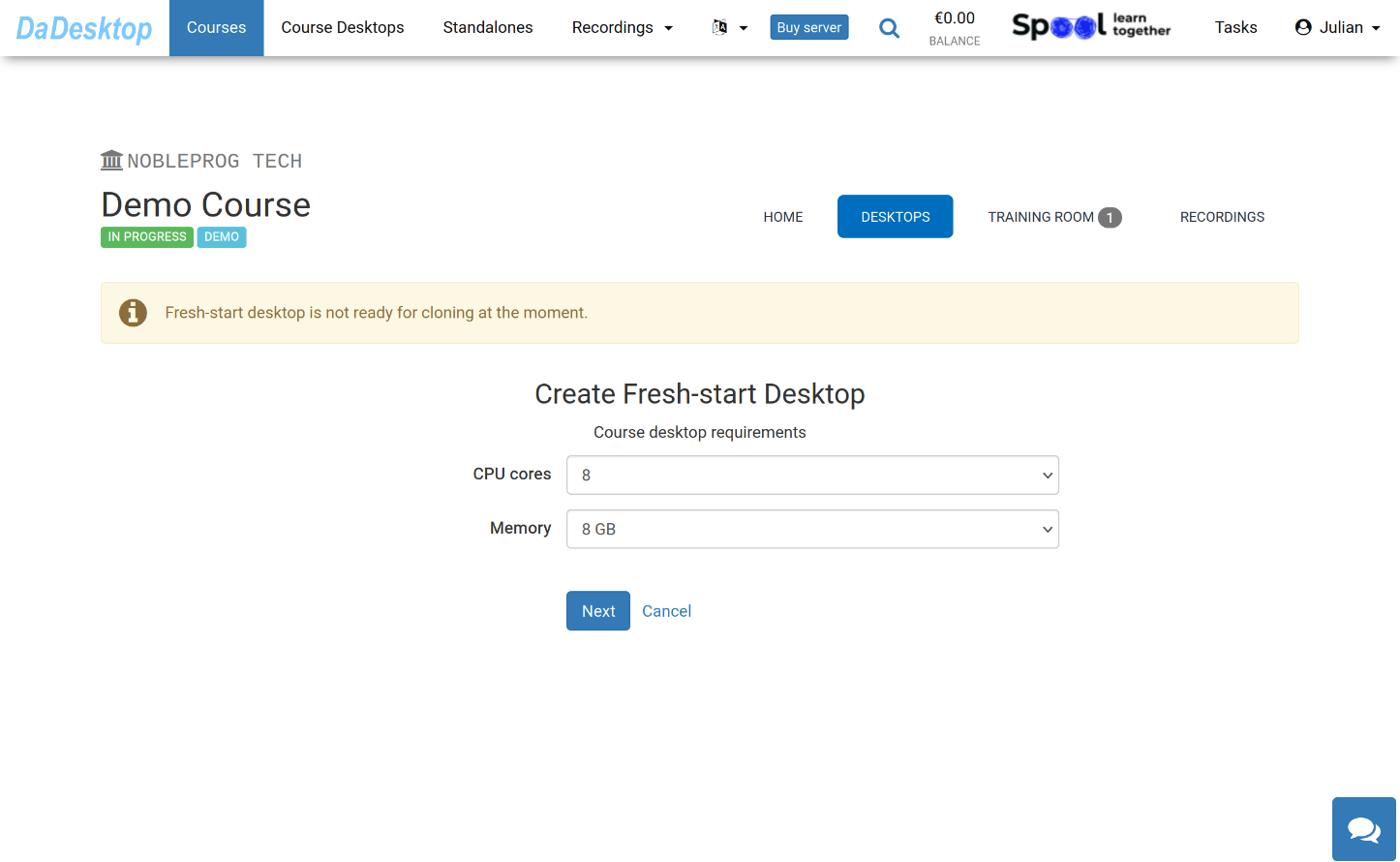
Here you'll see all the options available when creating from an OS Template
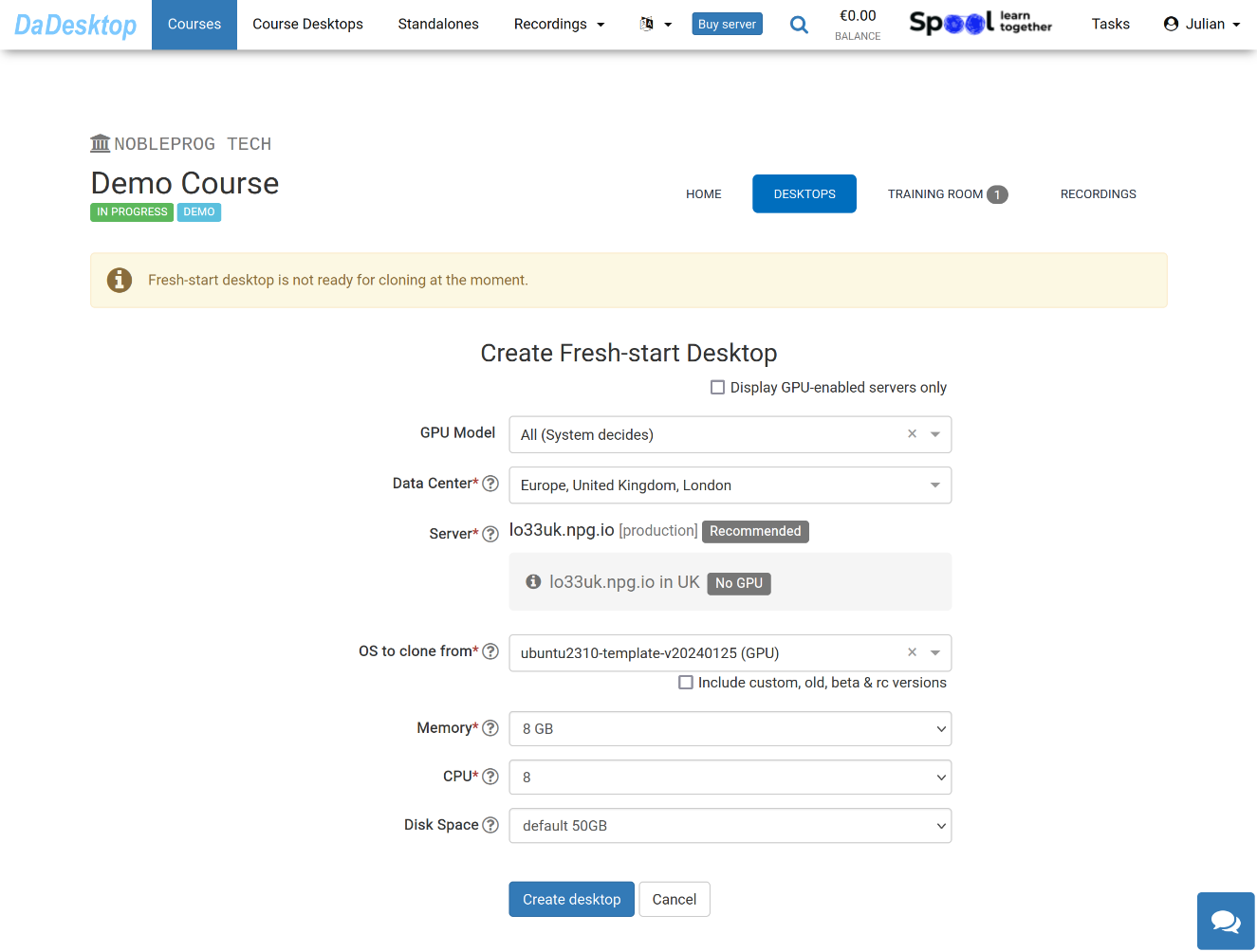
The meaning of each field is explained below:
-
GPU Model
Select the GPU model and type you need. Ticking 'Display GPU enabled servers' will show only servers that have GPUs available -
Datacentre / Server
Pick the datacentre region and server that's closest to your location in India -
OS to clone from
Operating System (OS) templates cover Windows, Linux (including Ubuntu, Debian, Almalinux, and others) -
Include custom, old, beta & rc Versions
DaDesktop updates its templates regularly, but if you run into any issues with the newest template, you can try an older version here -
CPU
Set the number of CPU cores you need. Note: The default of 8 cores is usually fine for most general Linux and Windows workloads -
Memory
Define the memory limit in GB for this desktop. Keep in mind that server resources cap this limit – each server can have different maximums. If you need a higher limit, please contact us via Support Chat -
Disk Space
Set the amount of disk space to use. The default is 50GB.