What Are Fresh-Start, Trainer, Participant, and Standalone Machines?
DaDesktop offers a sophisticated training platform with accessible cloud machines for courses, plus admin tools to effortlessly manage the desktops for each course across India.
To support this, DaDesktop employs several similar yet distinct desktop machine types to make these courses possible.
Here’s a quick look at the different machine types and how they work.
Fresh-Start Machine
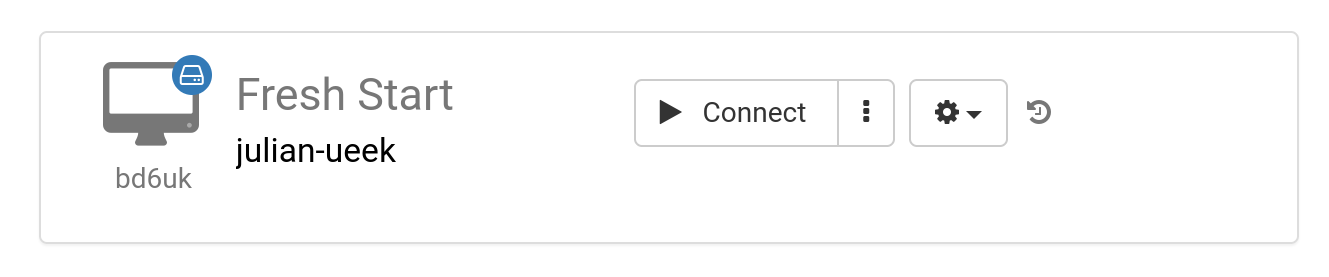
A Fresh-Start machine is where the trainer builds and prepares all the course materials. After that, it’s duplicated onto each participant’s desktop before the course begins. Think of it as a ‘Golden Image’ that you can revert to if anything goes wrong on either the trainer’s or participants’ machines.
Trainer Machine
The Trainer machine is what the trainer uses to deliver the course content to participants. This machine’s setup evolves from the Fresh-Start state, with software applications and libraries for the subject being installed, configured, and run by the trainer during the class.
If more than one trainer is leading the course, there will be multiple Trainer machines.

Participant Machine
Each Participant machine is allocated to an attendee, where they can install software, configure settings, and complete exercises under the trainer’s guidance.

Usually, the Fresh-Start, Trainer, and Participant machines are automatically removed shortly after the course ends. That’s why DaDesktop also offers another machine type not tied to any course—one that you can keep for as long as you need, called the Standalone.
Standalone Machine
A Standalone machine isn’t specifically tied to a course. It works independently, so you can use it before or after a course, or completely on its own, without any course context. This gives it a lot of flexibility.

Typical reasons for creating Standalone desktops include:
- Preparing training materials that can be reused multiple times outside of a course, or saved for whenever they’re needed.
- When you want a flexible machine with a different operating system (like Linux or Windows) to safely experiment with new ideas.