Overcommitting Coefficients
This functionality is available exclusively for DaDesktop Private Server (DDPS) and DaDesktop On-Premise (DDOP).
As courses become more complex and demand greater processing power—particularly when you have nested virtualisation or need higher performance for many trainees' desktops—you might occasionally run into an error like this :-

This warning specifically flags issues with CPU, memory, or disk space. Your first step should be to move the machine(s) to a less loaded server or data centre, or scale down the resource demands if feasible.
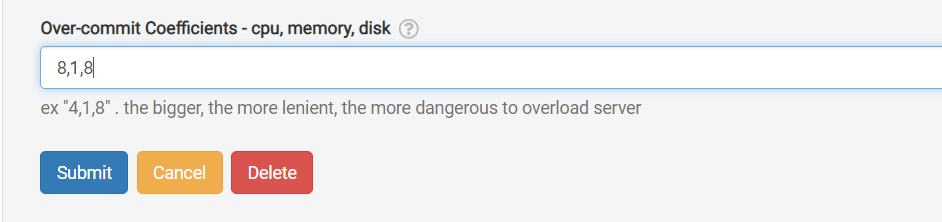
If neither option works, a quick fix when you're only slightly over the usual maximum units is to temporarily overcommit one or more of the CPU, memory, or disk coefficients. You can do this from the GUI as shown below.
Navigate to /da/admin/servers/all, click the Edit button for your server, and then scroll down to the relevant section.
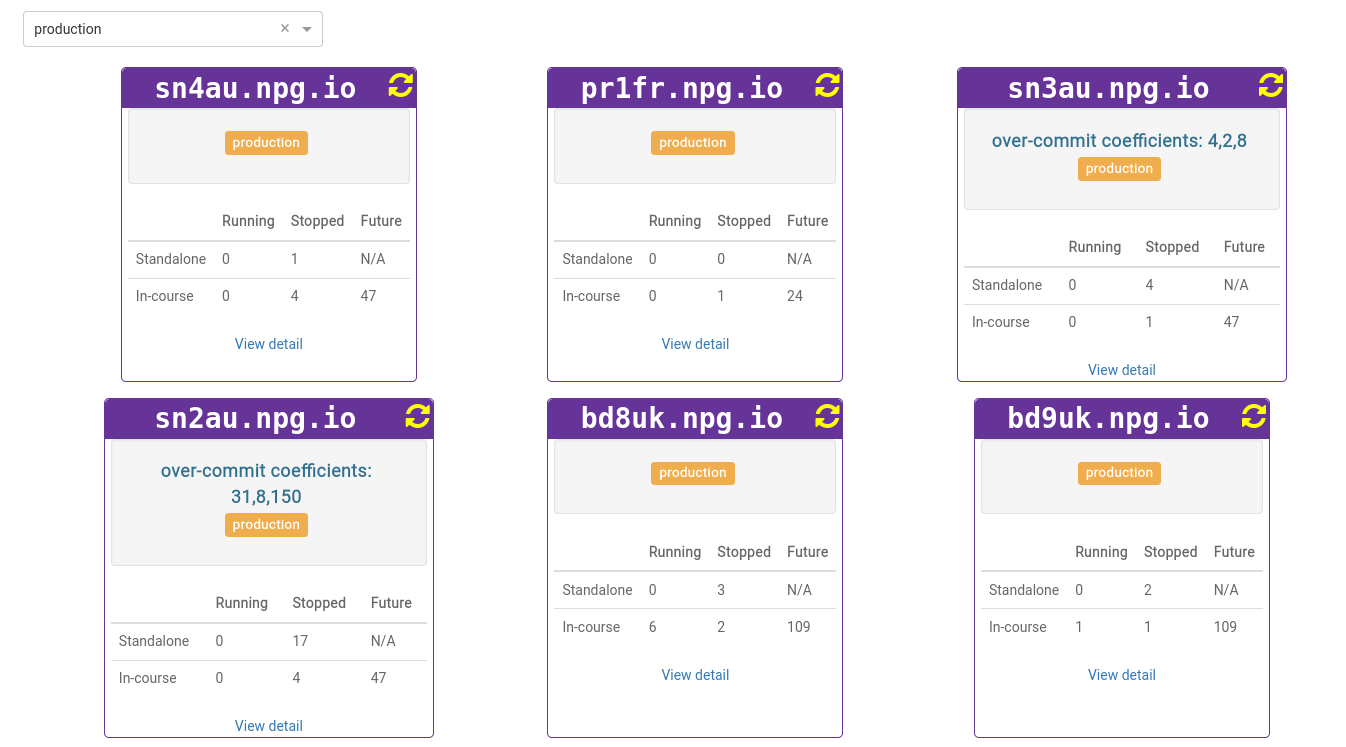
The server list indicates which servers currently use overcommitted coefficients. That's handy when you need to revert them to the defaults after a course wraps up.
Think of any adjustments as a temporary fix, not a permanent answer to resource shortages. Make sure to revert the changes once the course concludes.
Requirements for DaDesktop On-premise
The overcommitting feature relies on tpapi, which is built into the DaDesktop codebase. At present, tpapi only works with Python 3.12, so the operating system must be at least Ubuntu 23.10.